03 09, 2026, 01:18:34 pm by
Ze92 | Views: 201 | Comments: 6
Hey everyone,
I've been thinking about a feature that could really help out players dealing with lower frame rates or slower PCs, while still letting everyone enjoy custom content how they want.
Right now, joining a server with tons of custom vehicle and skin models means rendering everything at once, which can hit performance hard for systems that aren't top-tier.
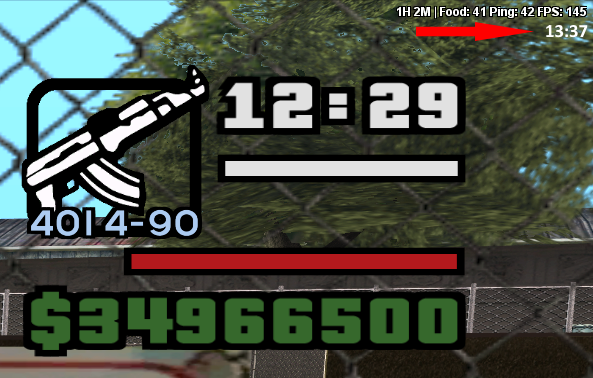
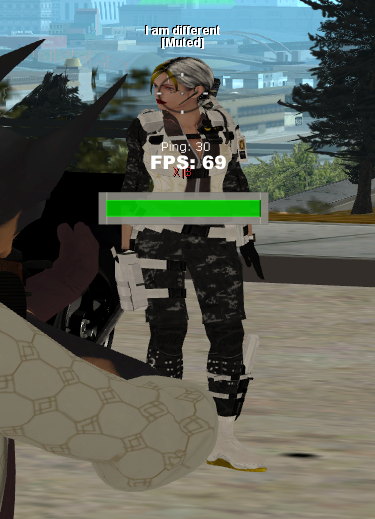
To see how much of a difference this actually makes, I ran a clean test comparing the custom CIT Infernus model against the original game model:
- Video Test:
https://imgur.com/a/DhUSiAo- Settings Used:
https://imgur.com/a/cit2-performance-settings-dk1gH5g (played at 800x600 resolution)
The test was done in an absolute empty spot inside an apartment with no other objects around, run at 800x600 resolution with all settings in CIT and MTA turned off, disabled, or set to the absolute lowest allowed to isolate the exact impact of the models on FPS.
To make managing this as seamless as possible, it would be amazing to have a phone app (along with an in-game option) where players can easily configure these settings.
The interface would feature:
* Individual Toggles: A list of custom vehicle and skin models where players can enable or disable specific ones depending on what they want to see, keeping the rest disabled to save FPS.
* Disable All Button: A single button to turn off all custom vehicle and skin models instantly in one click.
* Re-enable All Button: A quick way to bring everything back to default.
* Quick Toggle: Double-clicking an item in the list toggles its state (enables it if disabled, or disables it if enabled).
How different players can use this:
* Player A (Default): Wants the standard experience without touching anything, so they don't even have to open the app or settings menu.
* Player B (Custom Mix): Wants to disable all models to save FPS, but keep their own specific skin and car model active. They can just hit "Disable All" and then double-click to re-enable only the specific models they want.
* Player C (Maximum FPS): Wants to squeeze every drop of performance out of their hardware. They can simply click "Disable All" and turn off everything.
Note: To apply changes and re-enable or disable models properly, players will need to reconnect to the server.
This would give players full control over their performance without having to sacrifice custom content entirely. What do you guys think?
Side note: the total vehicle in the apartment number was 86 I used only 1 model to get raw result, main map is much worst with all gratify-skins-vehicles-objects etc

 Total Members: